7 best apps for medical records management for easy health record access
Last Updated
Aug 11, 2026
Published On
Aug 06, 2026
 22
22
Table of Contents
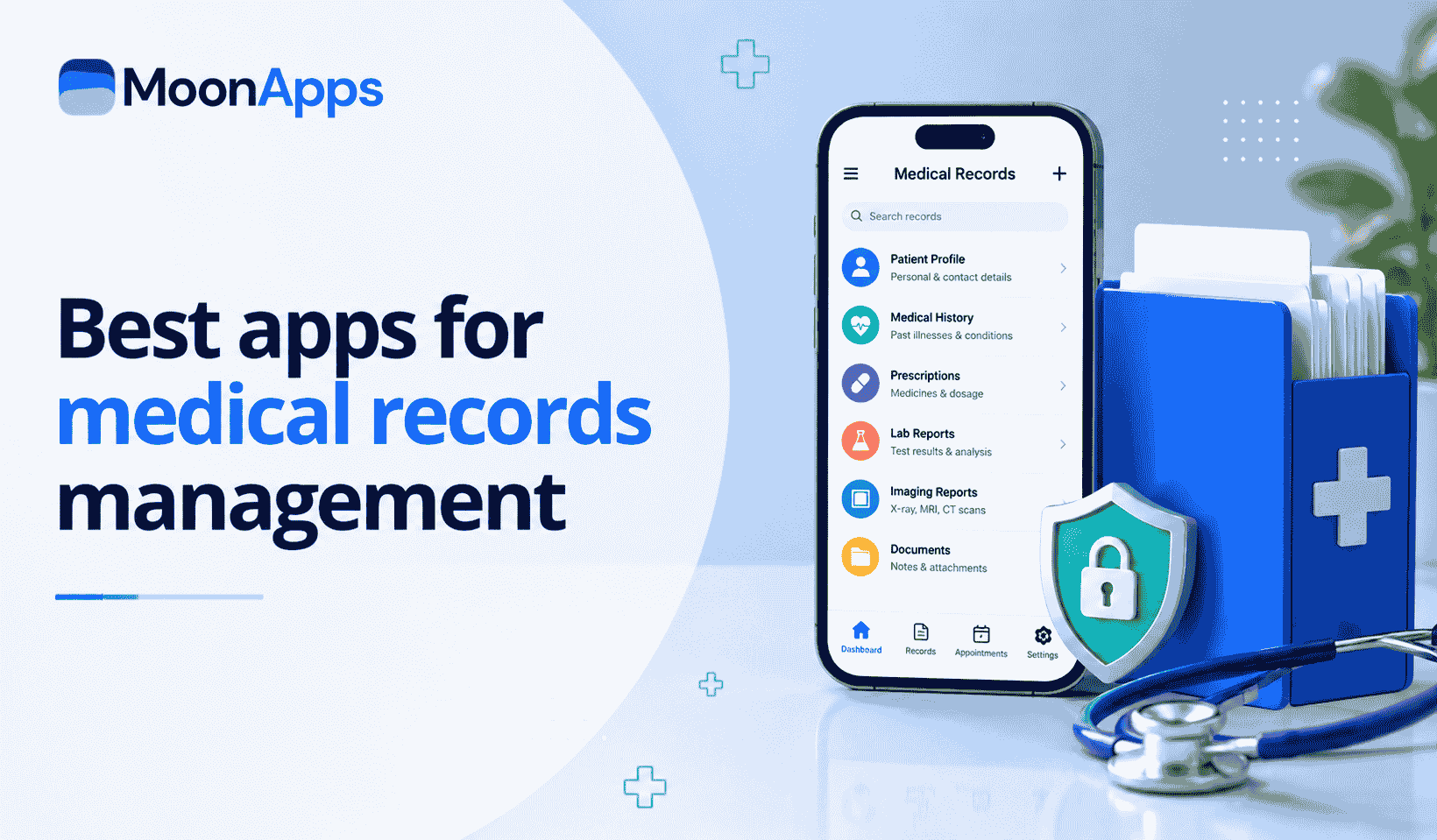
Whether you are a doctor or a patient, there is one thing you should never be careless about: getting quick access to your medical records. Keeping prescriptions in one place and payment history in another only makes it harder to find the right medical document when you need it most, especially during an emergency or follow-up consultation.
That’s exactly why many people look for the best medical records app; not just to monitor their health, but to securely organize and access their medical records whenever needed.
Some medical record apps offer multiple features for both doctors and patients, whereas others offer patient-specific features. So, how do you find out which is the best medical record app?
Following this blog, we will explore the 7 best apps for medical records along with their key features and pricing to help you choose the best app for your needs. Let’s get started without wasting any time…
📌 Key Takeaways
- A medical records app refers to the application using which patients can store their medical documents digitally.
- The best medical record app offers uploading reports, AI-powered quick summaries, and a health overview dashboard.
- Among the best apps, My Medical Records, MyChart, healow, and Apple Health stand out as top patient records apps.
- Digital record management reduces the risk of losing medication details and missing doctor appointments.
- Primary features to consider when choosing a medical records app are secure storage and family health record management.
A quick comparison of the best medical records apps
Before exploring all applications in detail, let’s first take a quick look at the comparison table below, which is created after evaluating each application based on their type, digital storage, and AI-enabled features.
| Software | App type | Digital storage | AI-enabled features |
|---|---|---|---|
| My Medical Records by Moon Apps | Personal health record | Yes | Yes |
| MyChart by Epic | Patient portal | No* | Yes |
| healow | Patient portal | No* | Yes |
| Apple Health | Health & fitness + health records | Yes | No |
| FollowMyHealth | Patient portal | No* | Yes |
| CommonHealth | Health record aggregator | Yes | No |
| MyHealthONE | Hospital patient portal | No* | No |
7 best apps for medical records management
Believe it or not, paper-based record management is a long-gone process. In the digital era, advanced applications make medical record management organized and easily accessible. The following are some of the best medical records app you can consider.
1. My Medical Records by Moon Apps
The first app on our list is My Medical Records by Moon Apps, as it reduces patients’ stress of accumulating medical records by helping them store all of their medical records in one place. Using the My Medical Records app, individuals can save and manage their medical records, such as prescriptions and medical reports, and access them whenever required.
The best thing about the My Medical Records app is that it lets you store and manage all your medical records digitally. In emergency medical cases, you can find reports quickly using the My Medical Records app, which is highly unlikely in paper-based practices. Apart from patient record management, it also offers AI-backed features, such as an AI overview that gives you a quick look at your past appointments and prescriptions.
Key features of My Medical Records App:
- Digital record storage: Securely store and organize all your medical records in one place.
- AI overview: Get quick summaries of medical reports with key insights and highlights.
- Easy document upload: Upload prescriptions, lab reports, and other medical documents without a complex setup.
- Health dashboard: View recent records and monthly health updates from a centralized dashboard.
- Family profile management: Create separate profiles to organize and manage your family’s medical records within one app.
Pricing:
- The app is free to use.
Keep your health records ready when life demands them.
From routine checkups to medical emergencies, access your important health documents anytime with My Medical Records.
Download My Medical Records Today
2. MyChart by Epic
Visiting multiple healthcare providers often means juggling different test reports, prescriptions, appointment summaries, and vaccination records. MyChart simplifies this by giving patients a secure place to access their health information from participating healthcare organizations.
Rather than relying on paper documents, users can view their medical records, securely share them with their healthcare providers, and track appointments, test results, and treatment updates directly in the app.
Key features of MyChart:
- Appointment management: Schedule, reschedule, or cancel appointments and receive timely visit reminders.
- Prescription renewals: Request prescription renewals and manage medications directly through the app.
Pricing:
- Free to download.
3. healow
If your healthcare provider supports eClinicalWorks, healow makes it easier to stay connected with your medical information between clinic visits. Rather than storing records manually, the app syncs health data from your provider’s system. This way, you can monitor your health, book appointments, and access important documents whenever needed.
For patients looking for a reliable medical record management app, healow offers a convenient way to keep essential healthcare information within easy reach.
Key features of healow:
- Appointment scheduling: Book, reschedule, and manage healthcare appointments with ease.
- Secure messaging: Communicate safely with healthcare providers through in-app messaging.
Pricing:
- Free to use for patients.
4. Apple Health
You don’t need to upload every health record manually. Yes, you read that right. If you are an iPhone user, Apple Health can automatically bring together health data from your iPhone, Apple Watch, connected fitness devices, and participating healthcare institutions.
Beyond tracking daily activity, the app lets you securely view clinical records, including medications, allergies, immunizations, and lab results. It helps keep your health information organized in one place.
Key features of Apple Health:
- Medical ID: Store emergency medical information that first responders can access when needed.
- Health tracking: Monitor heart rate, sleep, activity, mobility, nutrition, and other health metrics.
Pricing:
- Free and pre-installed on compatible iPhone devices.
5. FollowMyHealth
Managing your healthcare becomes much easier when you don’t have to request every medical document from your provider. FollowMyHealth gives patients continuous access to their health information through a secure online portal connected to participating hospitals and clinics.
Another reason many patients prefer FollowMyHealth is its ability to bring healthcare interactions together. From communicating with physicians to reviewing visit summaries and managing prescriptions, it reduces paperwork while helping users stay actively involved in their care.
Key features of FollowMyHealth:
- Appointment management: Schedule and manage appointments without contacting the clinic by phone.
- Provider messaging: Securely exchange messages with physicians and care teams.
Pricing:
- Free for patients whose healthcare providers offer FollowMyHealth.
6. CommonHealth
Unlike most health apps that work with a single hospital or healthcare network, CommonHealth brings together your medical information from multiple participating providers. This means you don’t have to log in to different patient portals every time you need a lab report, vaccination record, or medication history.
If you’ve received care from various healthcare organizations, CommonHealth offers a convenient way to access and organize your records in one place. As a result, users have complete control over their health data.
Key features of CommonHealth:
- Record downloads: Download and store digital copies of your medical records for easy access.
- Privacy controls: Control how and where your health data is shared with complete transparency.
Pricing:
- Free to download and use.
7. MyHealthONE
MyHealthONE is the last application on our list of seven best apps for medical records because it simplifies document storage in a single secure portal. The application helps patients access their medical information from HCA Healthcare-affiliated hospitals and facilities. It reduces the need to request paper copies for every visit.
Whether it is for an upcoming appointment or to review previous treatment details, you can access your health records whenever required using MyHealthONE.
Key features of MyHealthONE:
- Appointment access: Review and manage upcoming healthcare appointments in one place.
- Health notifications: Receive alerts when new medical records or test results become available.
Pricing:
- Free for patients receiving care from participating HCA Healthcare facilities.
Paper-based vs paperless records management
Keeping track of prescriptions, reports, and test results is easier when you manage your personal health records digitally. The table below explains the contrasting differences between paper-based and paperless records management.
| Paper-based records management | Paperless records management |
|---|---|
| Physical documents can be misplaced, damaged, or lost over time. | Records are securely stored in a digital app with cloud backup or encrypted storage. |
| Finding a specific prescription or lab report often takes time. | Search and retrieve medical records instantly with easy access from your smartphone. |
| Higher risk of data loss due to fire, water damage, or accidental disposal. | Digital backups help protect important health documents from unexpected loss. |
| Difficult to keep track of medical reports collected from multiple hospitals or clinics. | Organize reports, prescriptions, and vaccination records from different providers in one place. |
| Sharing records usually requires photocopies or the physical transfer of files. | Share medical documents securely with doctors or family members in just a few taps. |
| Limited accessibility. You need the physical file whenever you visit a healthcare provider. | Access your personal health records anytime, anywhere using a mobile device, tablet, or laptop. |
| Updating records manually can be time-consuming and may lead to missing information. | New reports and health documents can be added or synced, keeping your records up to date. |
Why should patients use a medical records app??
Medical records are not documents you need only during an ongoing treatment. Prescriptions, diagnostic reports, vaccination records, and past medical histories can remain useful long after a treatment is completed. But keeping all these documents in physical files makes them easy to misplace, damage, or forget about.
A medical records app gives you a simpler way to manage this information digitally. From keeping your records organized to accessing them during an emergency, here are some reasons why patients should consider using one.
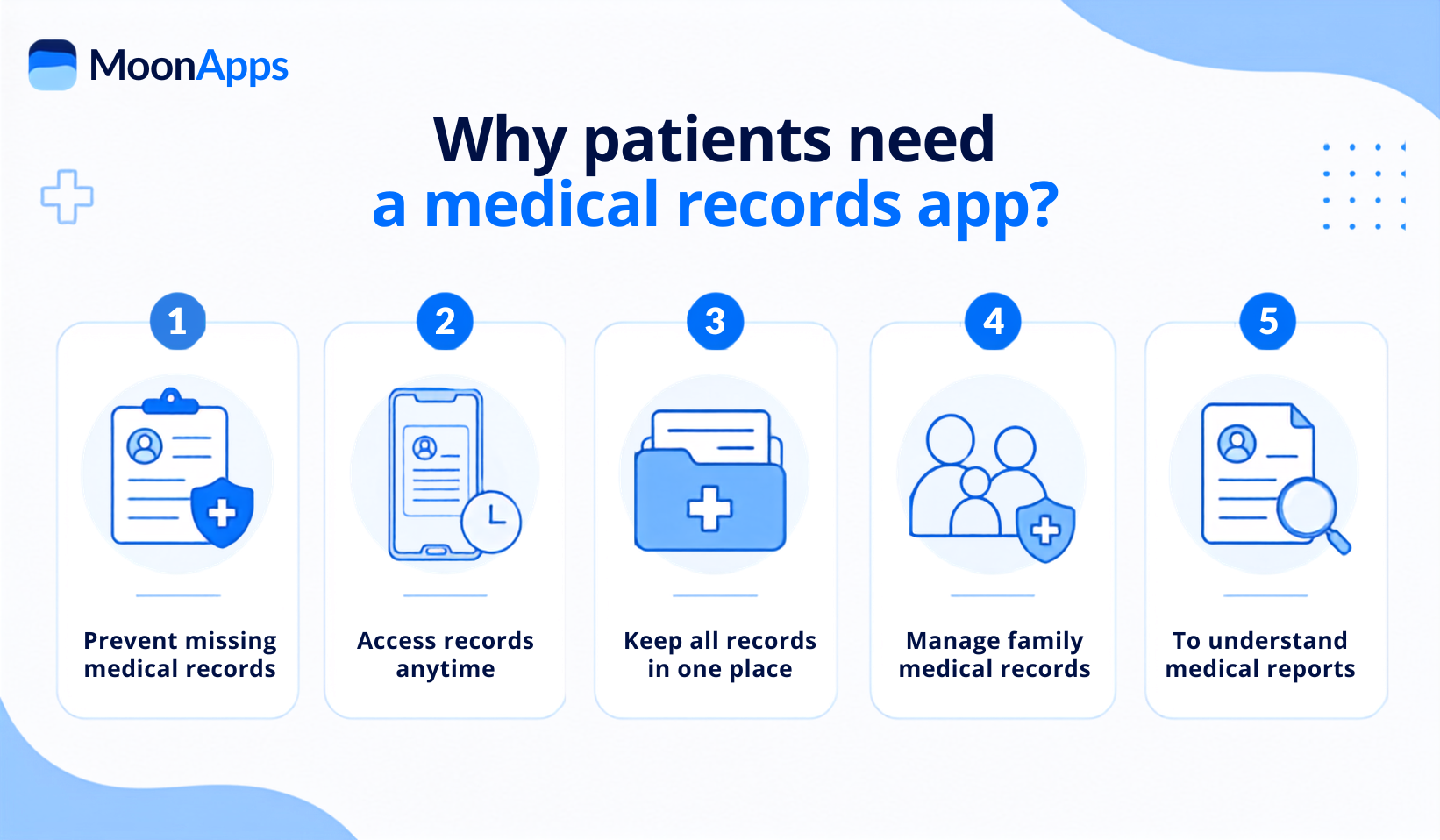
1. Prevent missing medical records
Paper prescriptions and medical reports can easily be misplaced, torn, damaged, or accidentally discarded. A medical records app lets you store these documents digitally, so you can find important health records whenever you need them instead of searching through physical files.
2. Access records anytime
You may need an old prescription or medical report when visiting a new doctor, going for a follow-up, or dealing with an emergency. A medical records app keeps your important documents within easy reach. This allows you to access them directly from your smartphone whenever required.
3. Keep all records in one place
Managing prescriptions in one file, diagnostic reports in another, and vaccination records somewhere else can make your medical history difficult to track. A digital app brings these documents together and helps you manage your health records from one place.
4. Manage family medical records
Medical record management isn’t limited to your own documents. If you regularly manage healthcare information for your children, parents, or spouse, an app with multiple profiles can keep each person’s records separate while allowing you to access them from a single application.
5. Quickly understand medical reports
Medical reports can contain lengthy and technical information that isn’t always easy to understand at a glance. Apps with AI-powered features can summarize supported reports and highlight key information. This helps you get a quick overview before discussing the results with your healthcare provider.
Features to look for when choosing a medical records app
A good medical records app does more than simply store your health documents. The right app should help you securely organize, access, and manage your medical information seamlessly. Here are the key features to consider before choosing one.
1. Cloud storage
Instead of storing medical records in lockers, filing cabinets, or drawers, choose an app that offers cloud-based storage. It keeps all your prescriptions, lab reports, and other health documents organized in one digital location. No more misplaced or damaged medical records. It also ensures that all sensitive health information remains secure through encrypted storage, password protection, and privacy controls.
2. Integration capabilities
Choose an app that can integrate with other platforms you already use, such as patient portals, healthcare systems, CRM software, ERP solutions, or accounting software where applicable. Better integrations reduce manual work and make it easier to access or manage your records from a centralized location.
3. Electronic Health Record (EHR) Support
The app should support Electronic Health Records (EHR) so you can conveniently access important documents such as prescriptions, lab reports, medical histories, vaccination records, and visit summaries. Some apps also allow these records to sync automatically from supported healthcare providers, which eliminates the need to upload documents manually.
4. Multi-profile management
If you manage medical records for your children, parents, spouse, or other family members, look for an app that supports multiple profiles under a single account. This helps keep everyone’s health information organized and easily accessible whenever required.
5. Easy document upload
Adding new medical records should be quick and hassle-free. Choose an app that lets you easily upload prescriptions, lab reports, insurance documents, diagnostic reports, and other healthcare files from your mobile device or laptop. It ensures your records remain complete and up to date.
Stop searching through piles of medical files.
Keep all prescriptions, test reports, and health records digitally organized, accessible, and protected with My Medical Records.
Try My Medical Records for Free
Stay stress-free by using a smart patient records management app
Medical records don’t lose their importance once your treatment ends. They serve as a valuable reference for future consultations, recurring health conditions, and emergency situations. However, relying solely on paper documents increases the risk of misplaced files, damaged records, and delays in accessing critical health information.
So, how can you keep your medical records organized and easily accessible?
The easiest answer is to consider using the best personal medical records app to manage your medical documents smartly. One such app is My Medical Records by Moon Apps that lets you store prescriptions, medical reports, and other essential records in one place. Apart from that, it also comes with features such as AI-powered report summaries and family profile management to help you stay organized and access your and your family’s health information whenever needed.
Don’t neglect digitally storing your medical records. Download the My Medical Records app today and keep your important health documents secure, accessible, and always within reach.
Frequently asked questions on the medical records app
Share Article:


![Best free interactive maps online [key features + free indoor mapping software]](https://cdn.moonapps.xyz/wp-content/uploads/2026/05/28102640/Blog-image.jpg)