Basecamp – Sprint, Task Manager
Link Basecamp projects with Moon HRM and Moon Invoice. Track the progress of each sprint and to-do created on Basecamp without breaking your workflow.


Why does your organization need a Time Tracker
for Basecamp?
Time Tracker for Basecamp frees up project managers and team leaders’ time. It never keeps them in the dark about
project status and notifies them about every activity.
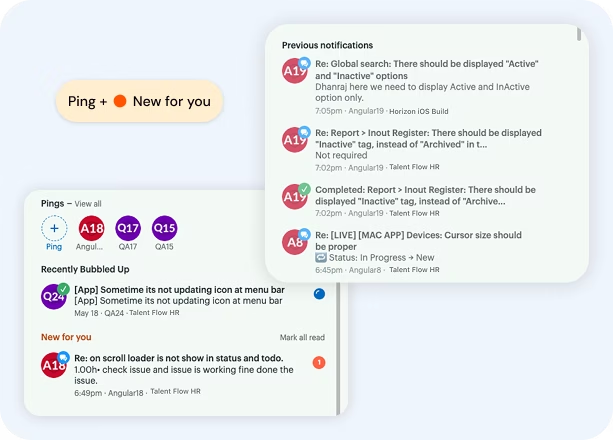
Quick updates & notifications
Receive instant updates to make faster decisions and smoother collaboration. Ensure nothing critical slips through the cracks.
- No more taking follow-ups via chat or phone call. Keep your team aligned
- Obtain updates on new tasks, new comments, and deadline changes
- Get notified early and make the correct decisions without wasting a minute
Track sprint progress and status
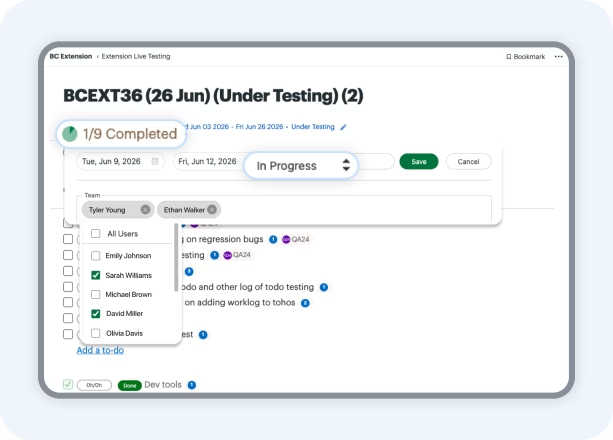
Get deeper insights into how tasks are advancing across different stages and make sure every milestone is moving in the right direction.
- Keep a tab on sprint progress and status, along with assigned tasks
- Project managers can learn how long the sprint has been in progress
- Managers can reassign responsibilities as needed to meet project goals
Keep tasks organized
Categorize, arrange, and group tasks in such a way that makes it easier for your team to find and complete them.
- With well-organized tasks, nothing feels scattered. Nor does it feel hard to track
- It provides direction to every team member, even in the middle of heavy workloads
- Allows the team to understand what needs quick attention and when
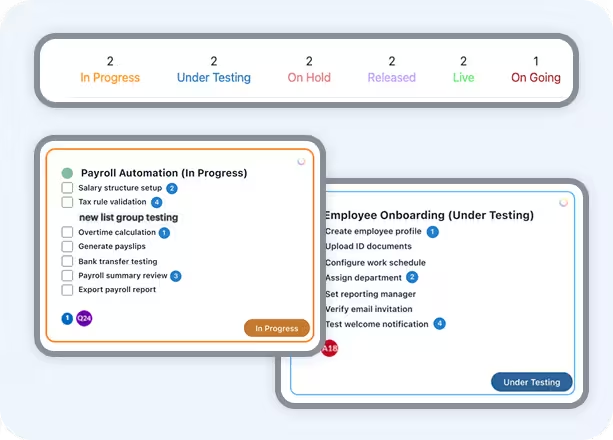
Smart status updates
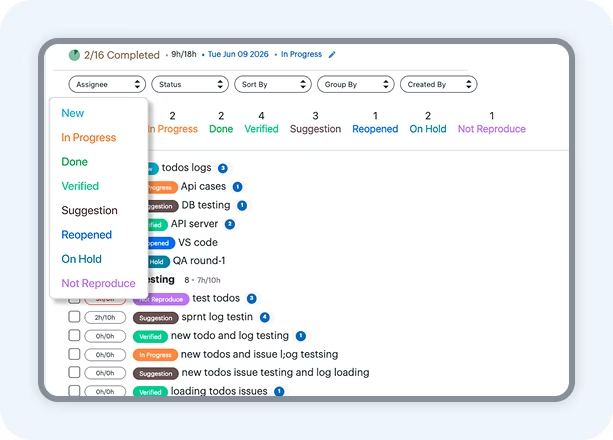
Update the status of the sprint as it progresses and keep everyone informed about what’s done and what’s pending.
- Get an overview of how many sprints are in progress, under testing, or on-hold
- It provides direction to every team member, even in the middle of heavy workloads
- Create a new to-do, and it will automatically update the date and the status
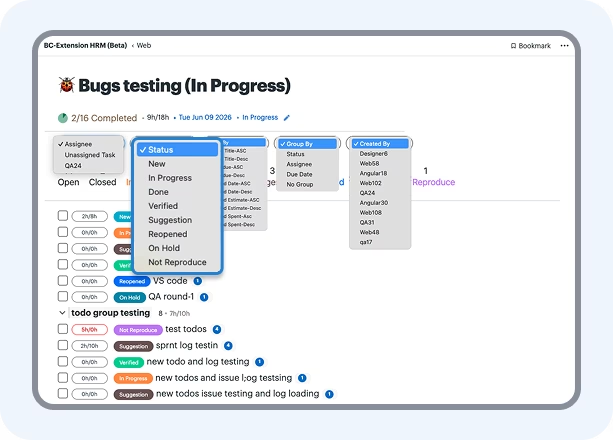
Flexible task filters
Customize how tasks are viewed and managed by team leaders and seniors. Sort out your task list based on priority, assignee, or deadlines to focus only on what truly matters.
- Work the way you prefer with flexible task filters instead of endless scrolling
- The management team and assignee can pretty easily adapt to changing priorities
- With tailored views, your team stays ahead of tasks and no longer feels burned out
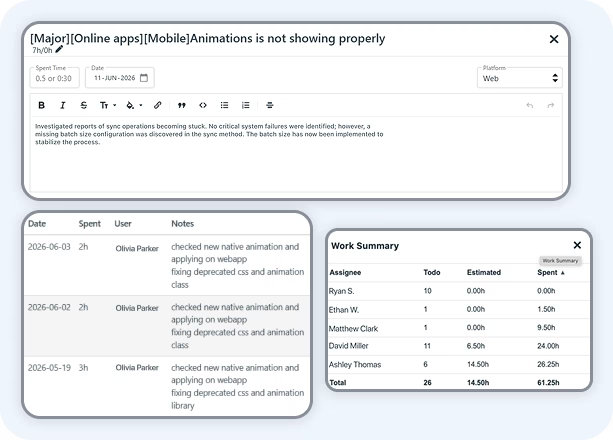
Time tracking summary
Sick of making entries on registers to track employees’ time? Let us help you get a clear visibility into who spent how much time on a particular task.
- Generate a time tracking summary to find out where efforts are being made
- Assess productivity without relying on manual things
- It gives you meaningful insights to improve task allocation planning
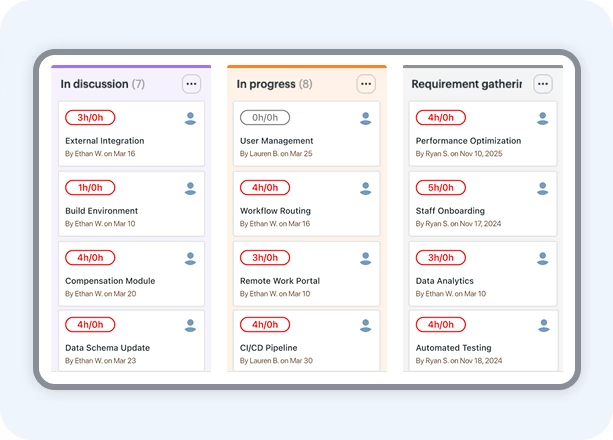
Smart card view
Smart card view is designed to give you a more intuitive and clear view of how things stand at the moment.
- Every smart card carries the brief details to learn about what needs focus
- Nobody needs to open multiple tabs in the browser or switch apps
- The user can move, update, or review tasks through an interactive layout
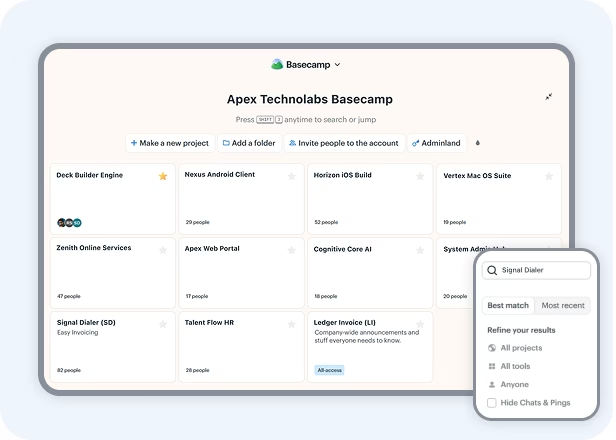
Pin & find projects in seconds
Ability to pin important projects, so that you can get them quickly when needed the most – No manual search involved.
- Pin frequently used projects to keep them in front of your screen
- It makes it easy to jump in and take action the moment you need to
- It enables an efficient search that brings up results in a fraction of a second
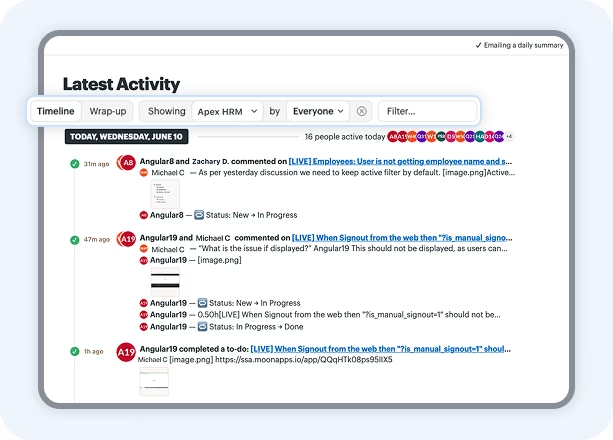
See what’s the latest activity
One tap to explore all the latest activity, including different projects and users across your workspace.
- See the moment someone assigns a to-do or tags another user
- Changes and actions reflect instantly. No more digging through individual tasks
- Project managers get a continuous stream of who’s contributing
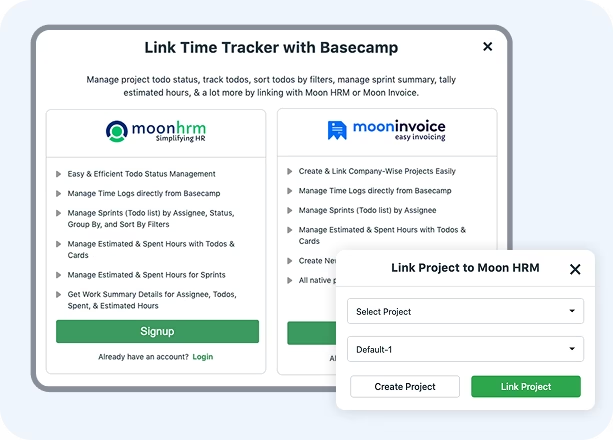
Link Basecamp with Moon HRM
Connect your Basecamp account with advanced employee management software, Moon HRM, and bring your workforce into one unified approach.
- Sync tasks and updates automatically, and manage employee operations
- Take control of your resources as well as enhance work planning
- Check individuals' spending time on different projects and tasks
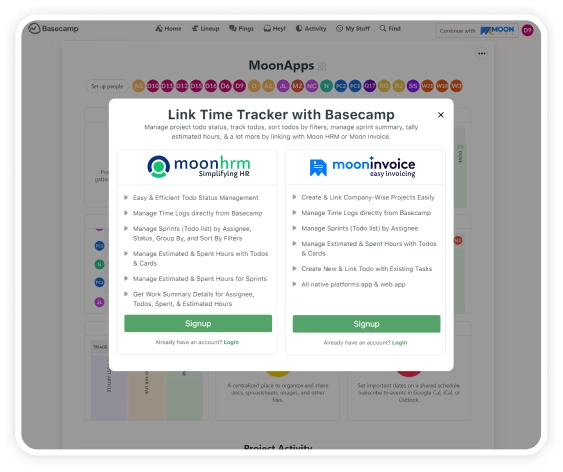
How to login into Basecamp Time Tracker for Moon HRM or Moon Invoice?
Make project management easy and simple for your organization with these easy steps to link your Moon HRM or Moon Invoice account with Basecamp.
- Install Basecamp Time Tracker extension
- Click on the login icon on the top right of the Basecamp extension
- Enter Moon HRM or Moon Invoice email Address
- Grant the required permissions when prompted
- Next, you will automatically get logged in.
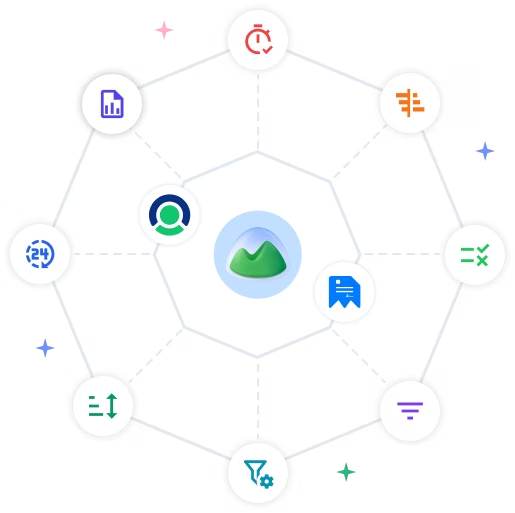
Additional features to boost your team’s productivity
Access addon features by connecting your existing Moon Invoice or Moon HRM account with Basecamp.
- Sync todos with app
- Link project directly or create projects
- Expand and collapse the group
- Card table spent hours management
- Card table view
- Project wise commenting
- Manage time logs
- Timesheet management
- Sprint date & time management
- Work load summary
Our Happy Users

Henry Brown
This Basecamp extension maximizes productivity by expanding task management possibilities, delivering an enriched experience that amplifies project success.
Ethan Williams
This extension is a game-changer for me, seamlessly integrating with the platform to enhance task management and collaboration, making teamwork even more efficient.
Lucas Anderson
Streamline project communication and organization effortlessly with the Basecamp extension, a must-have addition that elevates project tracking and team coordination