A Complete Guide to Automated Outbound Dialer
Last Updated
Jan 29, 2026
Published On
Jan 27, 2026
 31
31
 31
31Table of Contents
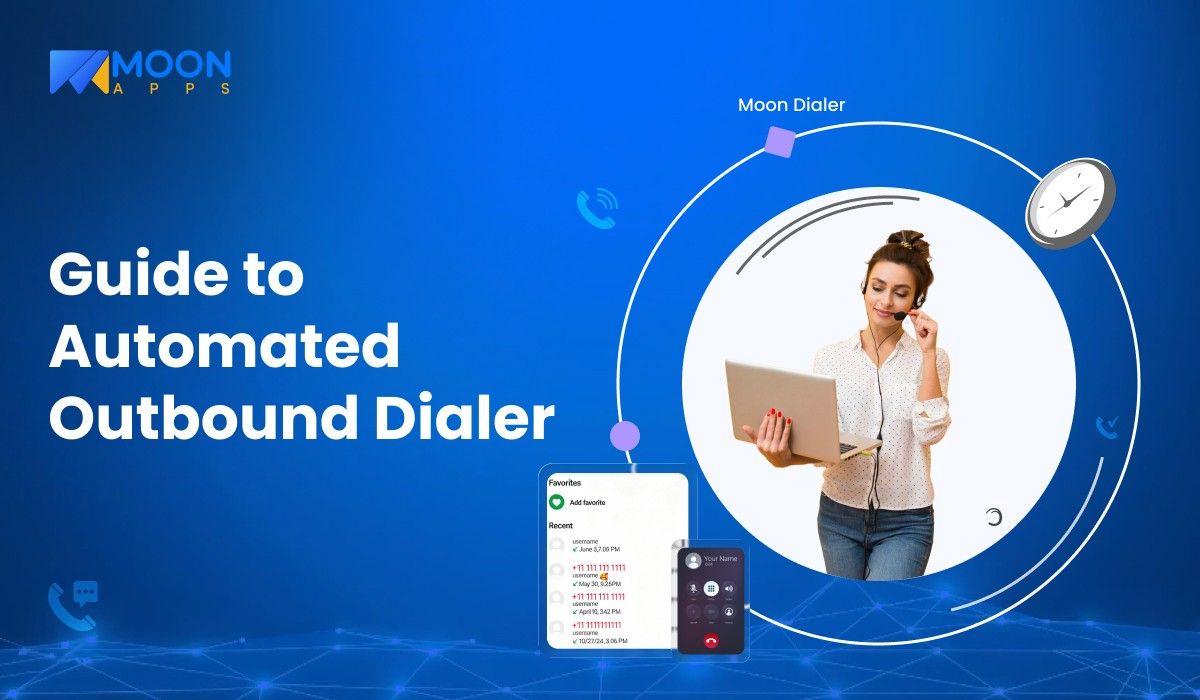
The term “automated outbound dialer” may sound like a new phrase in general, but for call centers and business owners, it is not. In fact, automated outbound dialing has played a massive role in transforming call centers and making them more efficient.
When you start a business and want to win clients, calling out potential clients is always a good strategy. The right call with the right offer could immediately bring a new project for your business. On the other hand, being unable to clarify the client’s needs could result in lost projects.
To improve the customer experience, you need to focus on better handling of automated outbound calls. Even if you know outbound automated calling helps acquire potential clients, you may still wonder how it works, what benefits it offers, and how to set it up.
To find answers to all these questions, let’s jump straight into this blog.
📌 Key Takeaways
- Automated outbound calling is the process of using software to contact potential clients instead of relying on agents to dial manually.
- When a business handles repetitive cold-calling, follow-ups, demos, or sign-ups, it is ideal to use automated outbound calls.
- Among the top outbound dialers, auto, predictive, power, progressive, and preview dialers are key to consider.
- The process of the automated outbound dialer starts with uploading contacts, setting up call rules, and intelligent call initiation.
- The system then routes live calls to available agents, who log call outcomes after each interaction.
What is Automated Outbound Dialing?
Automated outbound dialing refers to automatically placing calls to a list of phone numbers using software, rather than having agents dial them manually. The software is designed in such a way that it filters out every unanswered call, voicemail, busy tone, and only connects calls with available agents. This helps teams save time, make more calls in less time, and improve the chances of reaching the right person.
In simple words, it can be said like:
Automated outbound dialing = Software dials numbers automatically + routes connected calls to agents.
When Businesses Should Use Automated Outbound Calls?
If your team:
- Handles lead outreach, telemarketing, or cold calling
- Follows up with prospects, demos, or sign-ups
- Runs campaigns like renewals, reminders, or re-engagement
- Wants to reduce agent idle time and increase talk time
- Needs consistent call scheduling and follow-up tracking
Then, using automated outbound calls is the right approach for your business.
When Businesses Should NOT Use Automated Outbound Calls?
If your business:
- Deals with small, personalized client interactions
- Makes only a few calls per day
- Doesn’t have a qualified or trained calling workforce
- Located in a strict calling or opt-in regulations
- The target audience mostly interacts with email or self-service channels
Then, automated outbound calls may not be the right approach for your business.
Still Manual Dialing Your Leads One by One?
Stop wasting hours on busy tones and voicemails. Get Moon Dialer today and boost your team’s outbound calling by up to 10x.
Explore Moon Dialer Now
Types of Automated Outbound Dialers
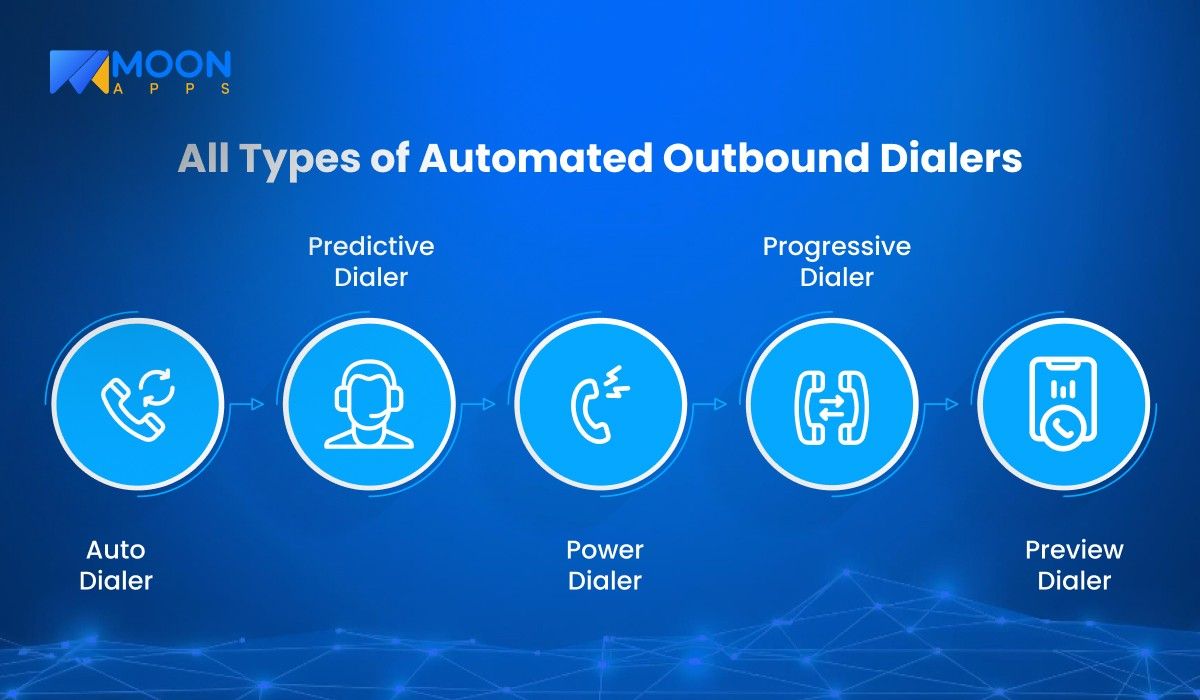
Calling needs vary from business to business. There are multiple types of automated outbound dialers, and each one of them is designed to handle specific call volumes and campaign goals.
Let’s explore the top five types of outbound dialers below:
1. Auto Dialer
As the name suggests, the auto dialer automatically calls phone numbers from a predefined list of numbers without any manual intervention from agents. Once the call is picked up, it either plays a recorded message or transfers the call to an available agent.
The primary role of auto dialers is to send alerts, reminders, or informational messages where live agent interaction is minimal. It focuses on quick reach rather than the conversation.
Best suited for:
- Service notifications
- Payment due alerts
2. Predictive Dialer
This dialer uses algorithms to predict when an agent will be free and dials multiple numbers at a time. Only answered calls are connected to available agents, which reduces idle time and maximizes efficiency.
Predictive dialers are specifically designed to handle high-volume campaigns where maximizing the conversation time of agents is given the top priority. The system automatically adjusts dialing speed based on call success rates and agents’ availability.
Best suited for:
- Telemarketing campaigns
- Sales outreach at scale
3. Power Dialer
Power dialer is very different from the other two dialers. It calls one number at a time for every available agent. Every time a call ends, the next number is dialed automatically. Compared to predictive dialers, power dialers do not call multiple numbers simultaneously.
Power dialers maintain a balance between automation and control. They allow agents to focus more on conversation.
Best suited for:
- Teams that need controlled pacing
- Inside sales and follow-ups
4. Progressive Dialer
This is a type of dialer that dials numbers only when an agent is available. When agents are on ongoing calls, the progressive dialer waits until the call ends before dialing the next number. This dialing process ensures zero call abandonment.
The key focus of progressive dialers is to prioritize customer experience and compliance over speed.
Best suited for:
- Businesses focusing on call quality
- Regulated industries
5. Preview Dialer
Preview dialers are the most unique among all the other dialer types. Before placing the call, it shows the customer’s details to the agents. If required, agents can review past interactions, notes, and CRM data before manually initiating the call.
This dialer is well-suited for personalized, high-value conversations. When some customers are more valuable than a random call, the preview dialer performs best.
Best suited for:
- Renewal and upsell calls
- Relationship-based B2B outreach
How Does an Automated Outbound Dialer Work?
The workflow of automated outbound dialers is fully automated, from dialing phone numbers to connecting live calls with agents. Instead of manually dialing each number, the system handles call initiation, routing, tracking, and more.
Below is a step-by-step process that explains how an automated outbound dialer works:
1. New Contact List Upload or CRM Sync
The entire process starts when a business uploads a contact list or syncs it directly with a CRM system. The contact list generally includes phone numbers, lead status, time zones, and previous history.
Before initiating the call, outbound dialing systems cross-check every data point and remove duplicates, invalid numbers, and blocked contacts. It improves connection rates and ensures compliance with calling regulations.
2. Setting Up Call Rules & Compliance Filters
The next step is setting up call rules, i.e., figuring out the dialing mode (predictive, progressive, or power), approximate call timing, retry limits, and do-not-call filters.
Compliance rules are key to preventing calls during restricted hours. This step ensures every call remains lawful, controlled, and customer-friendly.
3. Intelligent Call Initiation
Once the campaign starts, the dialer begins placing calls as per predefined rules. It detects all busy tones, unanswered calls, voicemails, and disconnected numbers without requiring any agents’ dependencies.
Only live and answered calls are passed forward to agents. Other calls are declined by the dialer itself, which saves time from repeated manual dialing.
4. Live Call Routing to Available Agents
When the call is connected and answered, the system immediately routes it to an available agent. The dialer selects the agent based on availability, skill set, or campaign priority.
For contact centers, this routing logic is extremely important as managing agents and customer wait time directly impact performance metrics.
5. Agent Interaction and Call Handling
Agents handle the conversation using notes or customer details shown on their screen. During the call, agents can update call status, add remarks, schedule follow-ups, or even transfer the call to higher authorities, if required.
This step brings more clarity and improves overall productivity as agents spend more time talking with customers than dialing.
6. Call Disposition and Outcome Logging
After each call, agents submit a call disposition such as “interested,” “not reachable,” “callback scheduled,” or “not interested.” Later, these outcomes are recorded and synced with the CRM or any other reporting dashboard.
This step is vital to track performance and maintain accurate customer records.
7. Reporting, Analytics, and Optimization
Once calls are completed from the contact list, the system generates reports that include metrics such as call connection rate, agent total talk time, entire call duration, success rate, etc. Managers analyze all these trends and adjust dialing speed, call scripts, and lead conversion.
This report and proper analysis help businesses improve outreach performance.
Dos and Don’ts of Automated Outbound Dialing
Using automated outbound dialing effectively is the key to improving the customer experience for any business. But for B2C businesses, it is even more important. Addressing customers’ issues via phone call directly impacts business growth.
This is why you must understand the best practices, i.e., dos and don’ts of automated outbound dialing.
| DOs | DON’Ts |
|---|---|
| Use predictive dialing carefully tuned to balance call volume and minimize abandoned calls. | Don’t set dialer pacing too aggressively, or you’ll increase abandoned phone calls and risk compliance violations. |
| Maintain clean, up-to-date lists to boost reach and reduce wasted agent time. | Don’t call outdated or unverified numbers, as this lowers contact rates and hurts agent productivity. |
| Configure compliance filters, such as DNC lists and quiet hours, before launching campaigns. | Don’t ignore consent records or call timing rules, as this can trigger legal issues or customer complaints. |
| Integrate with CRM so call center agents have context before engaging each contact. | Don’t leave agents blind to past interactions — lack of context leads to repetitive or irrelevant conversations. |
| Monitor key metrics like connection rate, talk time, and call outcomes to optimize campaigns. | Don’t measure just call volume; focusing only on phone calls made can disguise poor performance in conversions. |
| Train agents regularly on tool usage and dialing etiquette to improve results and customer experience. | Don’t overlook agent skilling — without training, automated systems can feel robotic and reduce effectiveness. |
Benefits of Automated Outbound Dialing
There are multiple benefits of using automated outbound dialing. It helps businesses reach more people and improve calling efficiency.
Let’s find out some of the key benefits of automated outbound dialing:
- Increases Productivity: Agents can spend more time talking to customers rather than dialing numbers.
- Minimizes Idle Time: Unanswered calls, voicemails, and customers who are busy or out of coverage are automatically filtered out.
- Speeds Up Call Volume: Teams can plan and schedule more outbound automated calling campaigns in less time without increasing workforce size.
- Ensures Consistent Follow-ups: Scheduling calls automatically helps agents avoid missing customers due to manual dialing errors.
- Provides Accurate Call Tracking: Every call outcome is automatically recorded in the system, which makes reporting and performance analysis easier.
- Improves Customer Experience: Wait time for customers decreases with minimal risk of dropped connections.
- Supports Compliance: Provides greater control over staying compliant with regional regulations, calling rules, and opt-out preferences.
How to Set up an Automated Calling Solution using Moon Dialer?
If you are looking for a VoIP calling solution that can handle outbound calls, Moon Dialer can be perfect for your business. Here’s how you can set up automated outbound calls using Moon Dialer:
- Step 1: Install the Moon Dialer application from the Play Store (Moon Talk for Android), App Store (iOS), or Microsoft Store (Windows).
- Step 2: Sign up for the app using your phone number or email ID if you’re a new user. Log in if you are an existing user.
- Step 3: Once logged in, select a credit plan (monthly or yearly) to access all features.
- Step 4: After purchase confirmation, you can choose to create a contact, create a campaign, or import contacts from another app or website.
- Step 5: In the app, use the “schedule call” feature to set up an automated calling solution. Select date, time, phone number, and the app will automatically place a call.
- Step 6: If you need to call multiple customers with the same information, you can create a campaign and place calls as needed.
Why Choose Moon Dialer For Automated Outbound Dialing?
Moon Dialer is more than just a calling application. It includes VoIP (Voice over Internet Protocol), making international calling easier than ever. Moon Dialer is a strong choice because it works across different use cases, whether you’re a startup, an SMB, or even an individual user looking for reliable calling.
Below are some of the top features of Moon Dialer:
- SIM-free Calling: Allows you to connect with international clients without a SIM Card, reducing international calling costs by a significant margin.
- QR Connect: Generate QR codes others can scan to connect with you instantly without revealing your original phone number.
- Advanced Call Management: Offers auto-dialing and call forwarding to establish a smoother business communication.
- Call Recording and Scheduling: Records every conversation so you don’t miss any key information. Plus, it schedules calls with automated reminders.
Never Miss a Follow-up with Automated Call Scheduling
Moon Dialer helps you automate your outreach and eliminate manual effort with features like smart call reminders, dialing campaigns, SIM-free calling, etc.
Switch to Moon Dialer Now
Wrapping Up!
As we are moving towards a tech-driven world, the process of managing automated outbound calls and messages is mainly done by software. Instead of wasting time on agents dialing potential customers manually, the software does it automatically and connects them to available clients.
Looking for an automated outbound call software that fits your business? You’re in the right place.
Try Moon Dialer App today!
FAQs
Share Article: