Empowering Your Work & Life with Our Innovative Apps
We have strategically built various business applications that help streamline your organization’s simple to complicated processes. Our apps are useful for daily business management.

Explore the Most Innovative Moon Apps for You

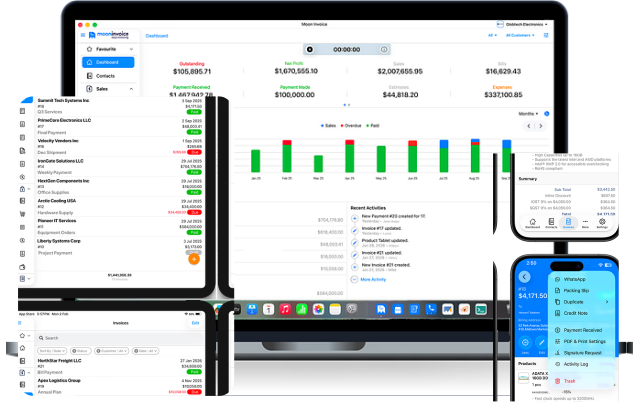
Switch to Smart Invoicing Save time & resources with every invoice you generate!





With Moon Invoice, we have managed to bring invoicing to your fingertips! Experience full-cycle invoicing from anywhere, anytime!

Invoice
Generate business and proforma invoices using 66+ ready-made invoice templates.

Online Payments
Get 20+ popular online payment gateways for accepting faster invoice payments.

Estimate
Create winning business estimates and convert them into invoices with a click.

Time-Tracking
Record project hours using a manual, automatic, or clock-in/out time tracker.

Purchase Orders
Create accurate purchase orders and send them to your vendors on the go!

Expense-Tracking
Track business expenses and create expense sheets to manage business finances.

Sales Receipts
Generated unlimited sales receipts for your clients and customers using templates.

Business Reports
Get 15+ different business reports, including sales, expenses, inventory, and payments.

Credit Notes
Create and apply credit notes to invoices for settling due payments of customers.

Seamless Support
Users can seek for technical assistance over phone, chat, and email support 24*7.

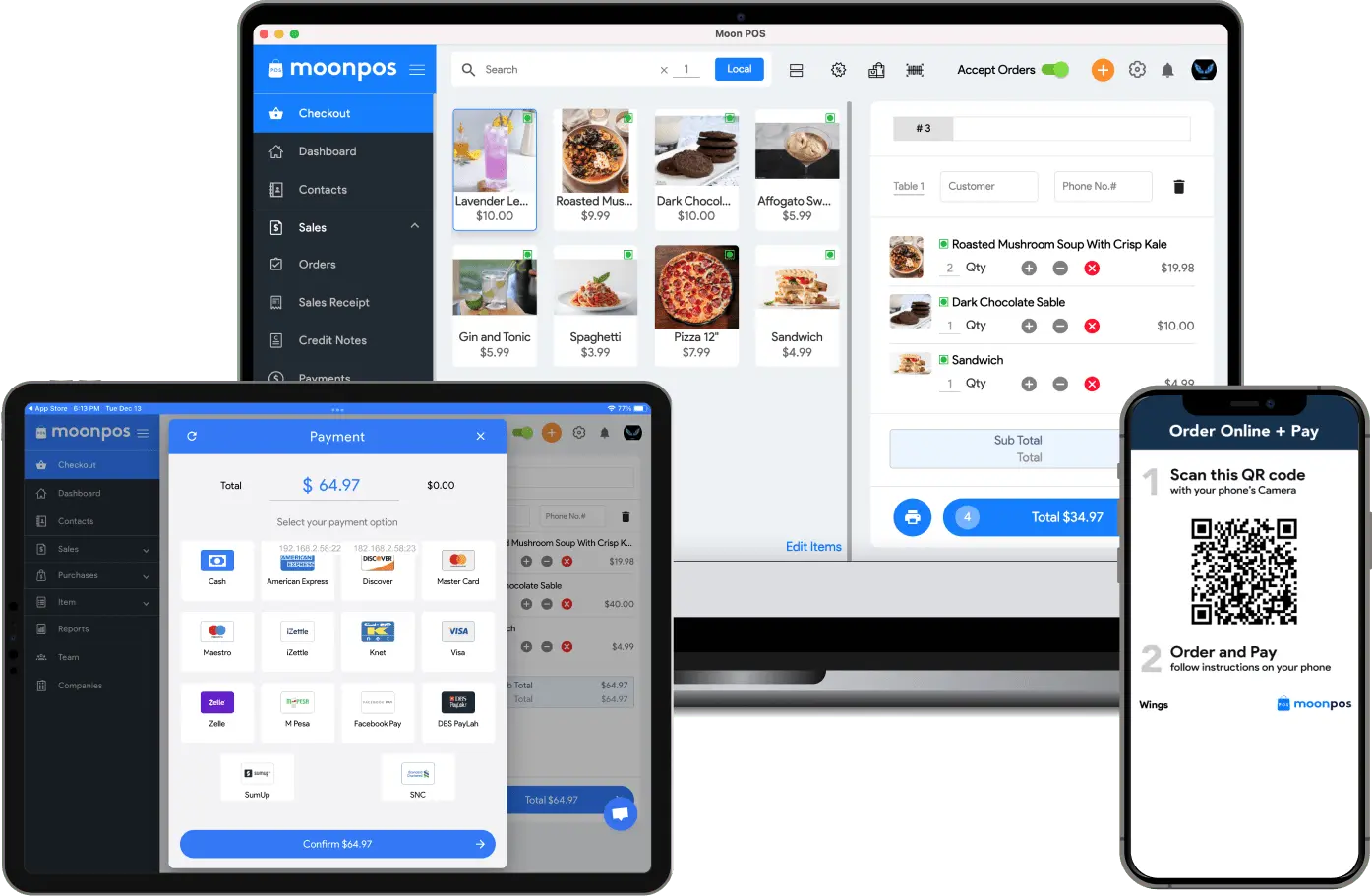
Manage Single & Multiple Outlets Like a PRO!
Moon POS is designed to help restaurants and retail outlets with a fully-functional order and billing management software. Crafted for the best businesses with the best details!

Online Ordering
Get an online ordering link for your food outlet to accept orders online.

Items
Manage items or products of your outlet easily using item management.

Quick Bill Checkout
Get a super-friendly checkout UI to print instant bills on the payment desk.

Receipts
Create and share unlimited receipts with your customers online using Moon POS.

Payments
Accept payments from popular payment methods & also add new payment methods.

Analytics
Get all the essential business reports, including sales, inventory, and taxation.

Inventory
Manage your outlet’s inventory wisely and get automatic low-stock alerts.

Table Management
Manage tables from your screen using the Moon POS table management feature.

Scan and Order
Give flexibility to your customers to order their food using the QR code.

Customer Support
Get exclusive customer support while managing your retail or restaurant outlet.

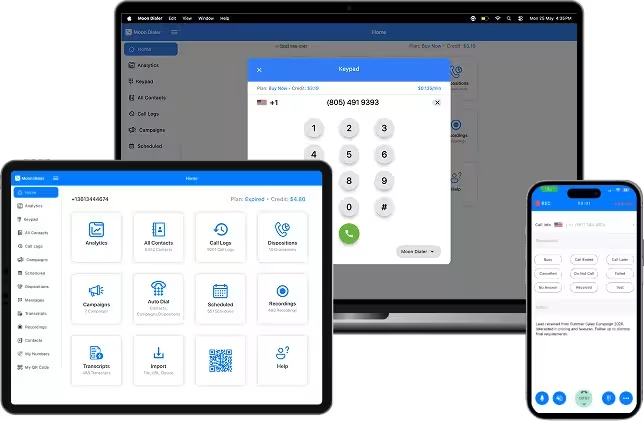
Get effortless & cost-effective communication on every VoIP call worldwide.
With Moon Dialer, we aim to help organizations and professionals enjoy high-quality VoIP and Wi-Fi calls on their Windows, iOS, Mac, and Android devices.
SIM Free Calling
Make calls over mobile data or Wi-Fi without depending on a network operator.

International & VoIP Calling
Connect with contacts worldwide through high-quality VoIP and Wi-Fi calling.

Call Recording & History
Automatically record calls and access complete call logs anytime or anywhere.

Smart Calling Tools
Schedule calls, set reminders, and use auto-dialing for faster reachout.

Cloud Syncing
Keep contacts, call records, and data securely synced across devices.

Email & SMS Campaigns
Run marketing and customer engagement campaigns from one platform.

Analytics & Call Disposition
Track call performance and categorize call outcomes for better reporting.

Call Transcription
Automatically converts conversations into searchable text for easy review.

Secure QR Calling
Receive calls via QR codes while keeping your phone number private.

Technical Support
Get the right assistance whenever needed through chat and email.

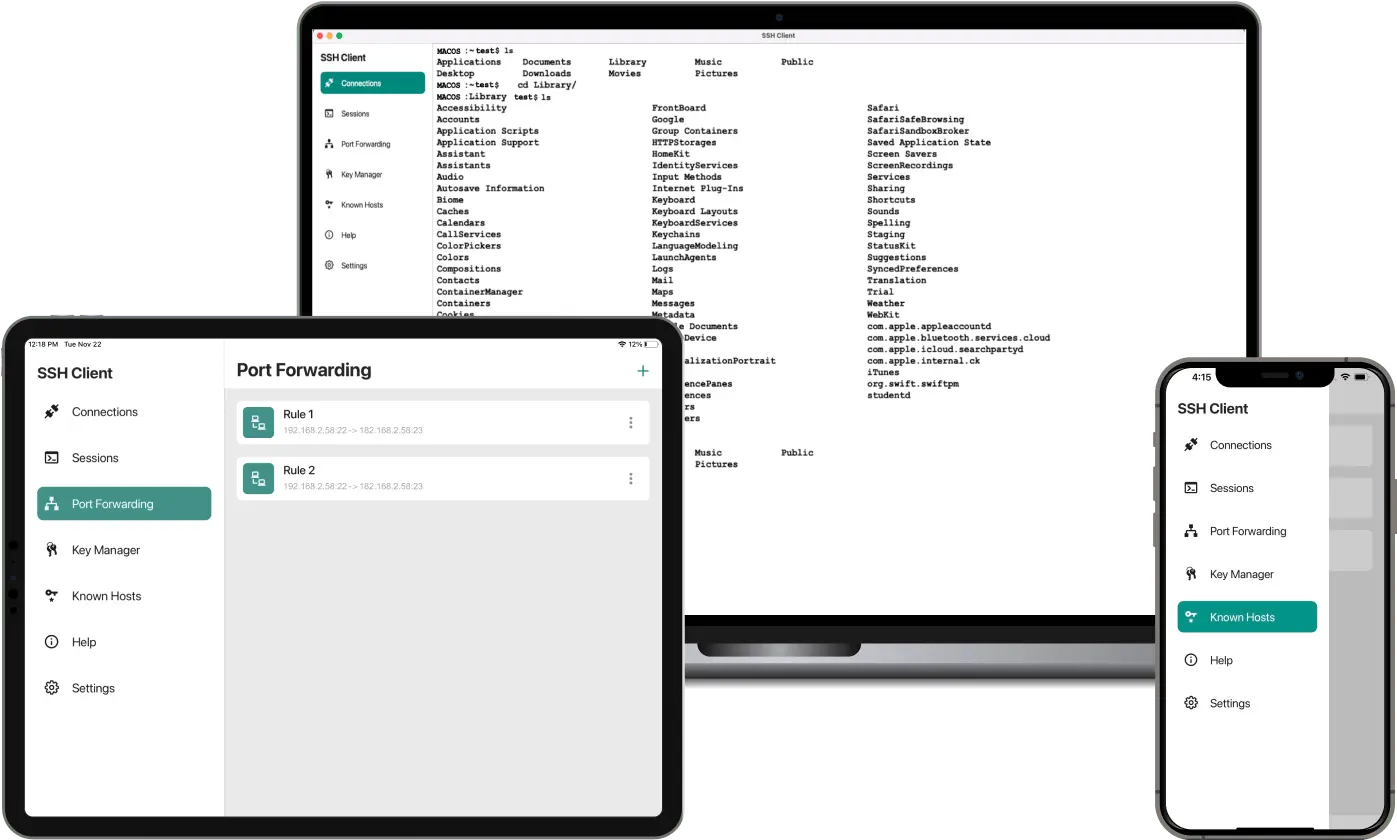
Simplify Your Remote Business Activities Get Moon SSH Client Today!
Connect your remote servers easily with the Moon SSH Client App. Works for iPhone, iPad, and Mac.

Adaptive Terminal
Personalize terminal size, background, foreground, cursor color, etc.

SFTP Functionalities
Edit, rename, and delete files & directories. Also, edit text files in a blink!

Server Folders
Easily and freely manage the different server folders with a single click.

Custom Fonts Option
Customize the font style, size, and color as per your requirement.

Customizable Keyboard
Get fully external and Bluetooth keyboard support for special and fixed keys.

Single Tap Connection
Easily connects without any extra interventions using single tap feasibility.

Easy Connect
Easily run multiple prompt sessions at a time using the Easy Connect option.

Multi-Session Capability
Connect to multiple servers for managing your different companies with SSH.

Gesture Control
Experience single touch on and off for auto-scroll, single tap connection & disconnection.

Customer Support
Users can expect seamless customer assistance over chat or email.

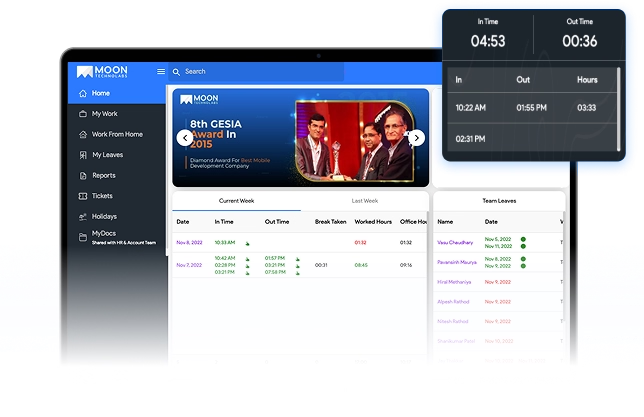
Supervise & Manage Employee Activities Tracking Work Has Never Been So Easy!
Manage and supervise your employee’s attendance and work progress with the Moon HRM application for Windows and Mac.

Time-Tracking
Clock In-Out time tracker availability with easy login and logout option.

Leave Management
Manage employee leaves and also handle leave deletion requests easily.

Project Tracking
Record project hours easily using the clock-in-out time tracking feature.

Employee Tickets
Employees can raise tickets using the application for any queries or issues.

Reports
Add daily work reports and get the report log on your screen with a click.

Holiday Calendar
Display the yearly calendar in the app that mentions the holiday date & day.

Team Access Control
Assign members with different controls and permissions as per their designations.

Attendance Management
Manage your employees' attendance using the clock-in/out feature.

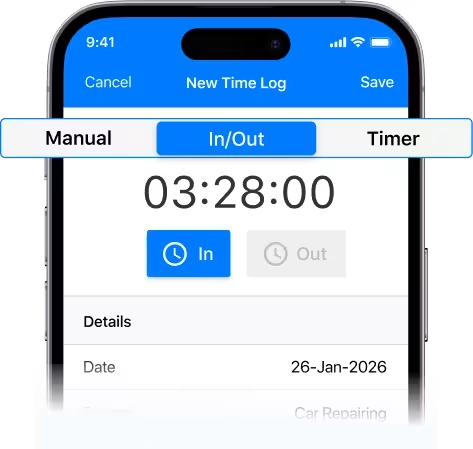
Track Project Hours On The Go! Generate Time Logs & Create Timesheets
Track project hours using a multiple-timer facility with Moon Time Tracker.
Time Logs
Get auto-generated time logs as per the time tracker activity on a single tap.

Manage Tasks
Add and manage different tasks by adding rates and other task details on the go!

Track Working Hours
Record and track the working hours of your team or employees using timers.

Hours Report
Get an hour’s report for a particular project, task, or employee with a single click!

Manage Projects
Add and manage different business or professional projects from the dashboard.
Manage Team
Add and manage a team with different access and controls with Moon Time-Tracker.

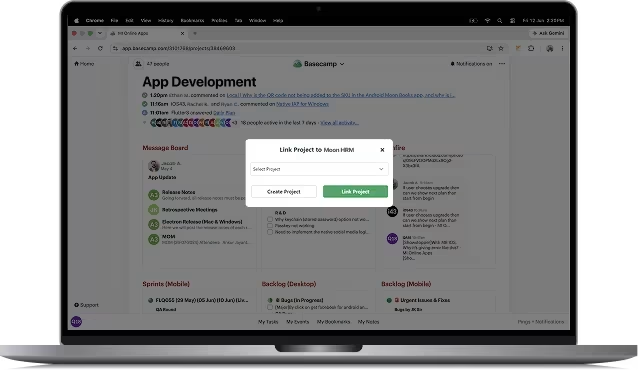
Track time for each Basecamp Sprints & Cards with our Basecamp extension.


Track time for each Basecamp Sprints & Cards with our Basecamp extension.

Estimate Hours Management
Check the total spent estimated hours of each sprint or to-do. Also, edit it when required.

Total Hours Management
Check the total spent hours on each sprint or to-do with the total hours' management.
Work Report Management
Mention work details at the end of the project, and it will be synced to Moon HRM.

Todos Status Management
Check the status of each to-do, such as in-progress, verified, completed, rejected, & reopened.

Sync To-dos with HRM App
Click on the Sync icon to auto-sync all your Basecamp data with Moon HRM.

Different Filter Options
Get status-wise, group-by, and assignee-wise filters to view each card or to-do.

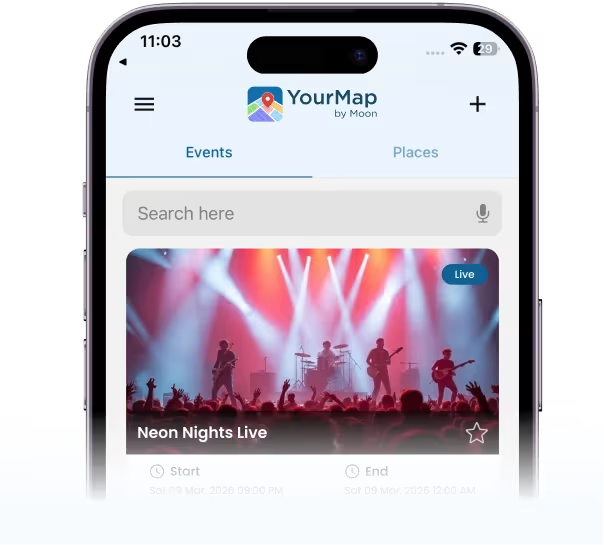
Generate custom map images simplifying the exact location for your visitors!
Manage your event or expo footfall efficiently by allowing easy event location access with YourMap by Moon.

One App for All Events
YourMap by Moon can help all the event organizers, property expos, community programs, cultural meetups, tech expos, & more to set a precise exhibitor location for the visitors.

Map Customer Journey
Visitors can select the exhibitor’s map image and get the exact distance information from their current location to the exhibitor’s precise stall location.

Add Events & Event Info
Administrators can add multiple events to the app, including the event company, type of event details, event location and date information, exhibitor’s details, expected footfall, and more.

No Visitor Signup Required
Visitors do not need to sign up with YourMap by Moon. The app allows instant and easy access to the exhibitor’s event location by allowing access to Google Maps.

Add Custom Event Image
Exhibitors can add their custom event map image, allowing the visitor to map the exact distance from their current to the exact event location. Exhibitors can add a customized image or logo.

Allow Google Map Access
Visitors need to allow Google Maps to access their precise location so that the app can guide them to the exhibitor’s exact location.

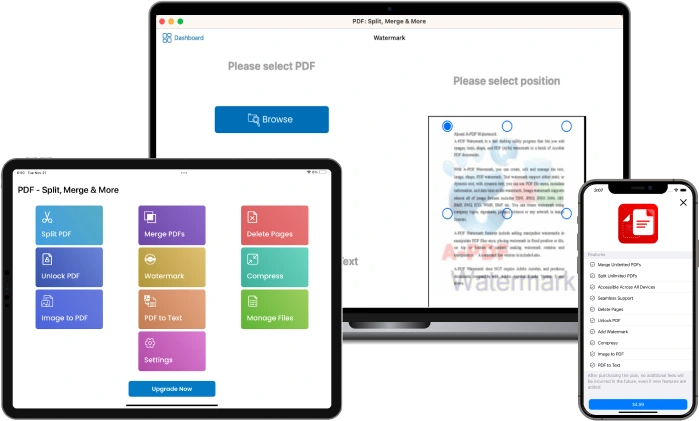
Split, Merge, Edit, and Compress PDF Files Instantly!
With the PDF Split & Merge online application, users can split a single PDF into many PDF files and merge many PDF files into a single PDF.
Split PDFs
Mark the selection and start easily Splitting the PDF into many PDF files.

Compress Files
Compress the original file size of the PDF in no time!

Merge PDFs
Select the PDF files that you want to merge into a single file! Do it with a click!

Add Watermark
Add a watermark to the existing PDF files. Save your PDF files with a new watermark.

Edit PDFs
Edit the PDFs before splitting or merging them. We allow standard edits.

PDF to Text
Convert your PDF files to plain text format with a single click!

Easy Storage
Get seamless storage of all your merged or split PDF files on your device.

PDF to Image
Convert the PDF to an image and the image to PDF easily and seamlessly.
A Solution That is Specially Tailored to Your Business.
Ask our customer support specialist for a customized plan or integration requirement.
Inquire Now